
22 September 2026
Why Does My Samsung Frame TV Art Look Fake and Backlit?
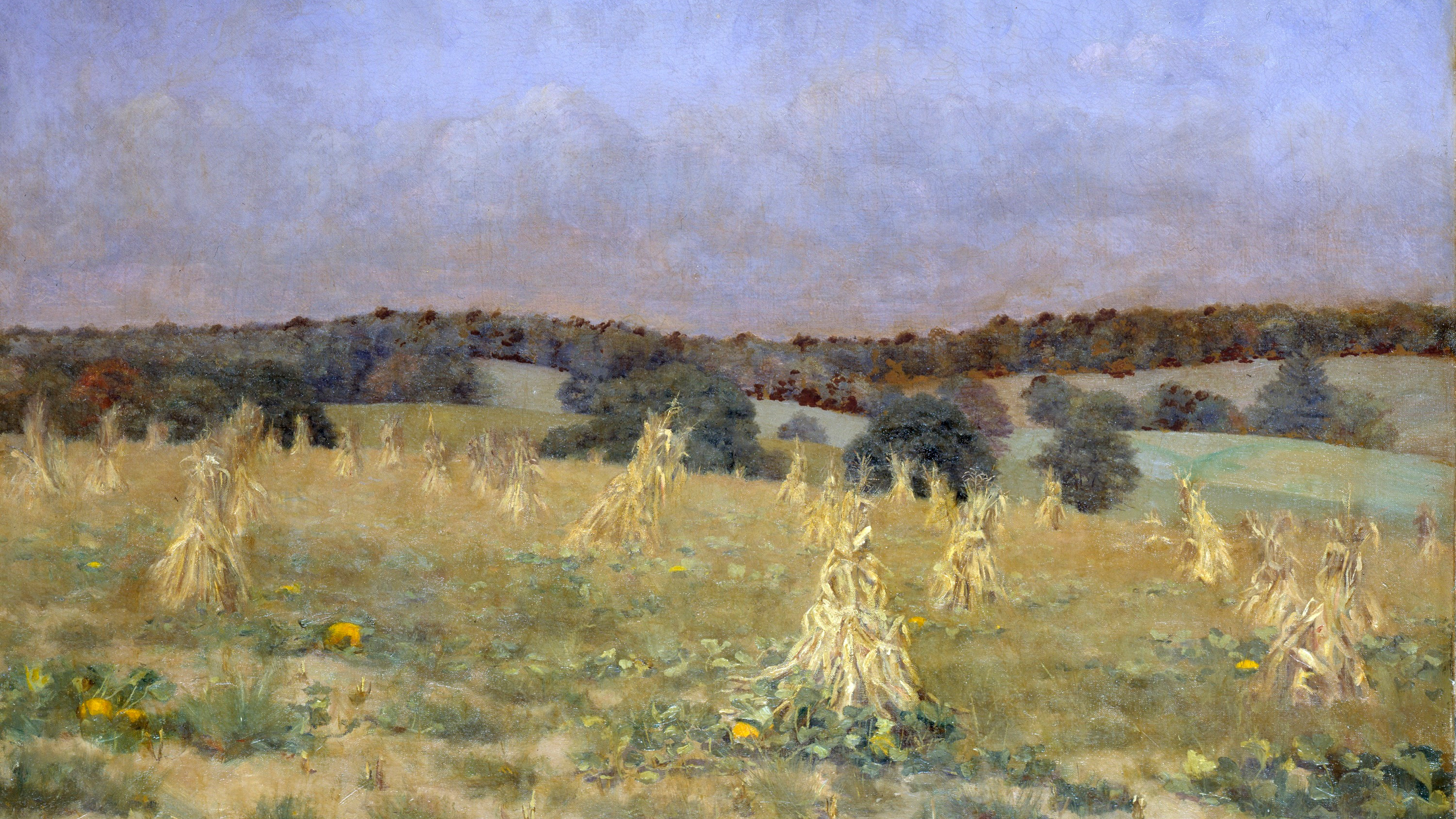
When a Frame-style television is first installed, it is calibrated to make high-definition television broadcasts and films look as vibrant as possible. When you switch to Art Mode, those same aggressive settings often remain active, causing static artwork to glow unnaturally and look distinctly electronic.
The Problem with 'Intelligent Mode'
Many modern televisions feature ambient light sensors that automatically adjust brightness based on the room. While useful for watching films, this 'Intelligent Mode' creates a shifting, glowing effect when displaying art. To achieve the illusion of physical paper or canvas, the screen's output must remain constant and subdued. The first step is to navigate to your general settings and disable Intelligent Mode entirely.
Calibrating Brightness and Warmth
A physical painting absorbs light; a television emits it. To bridge this gap, you must manually lower the screen's output.
- Brightness: Access the specific Art Mode settings (often separate from the main display settings) and reduce the brightness level significantly. For most softly lit living spaces, a setting between 15 and 20 is optimal.
- Colour Tone: Factory defaults are generally too cool (blue-toned). Shift the colour tone to the warmest available option to replicate the natural warmth of gallery lighting or daylight hitting a canvas.
Choosing the Right Artwork
Even with perfect calibration, hyper-saturated digital photography will still look like a screen. The collection in The Gallery is specifically curated and hand-graded with muted, heritage-inspired palettes that respond beautifully to these low-brightness, warm-tone settings.