
22 September 2026
Should You Use the Digital Mounts and Mats on a Frame TV?
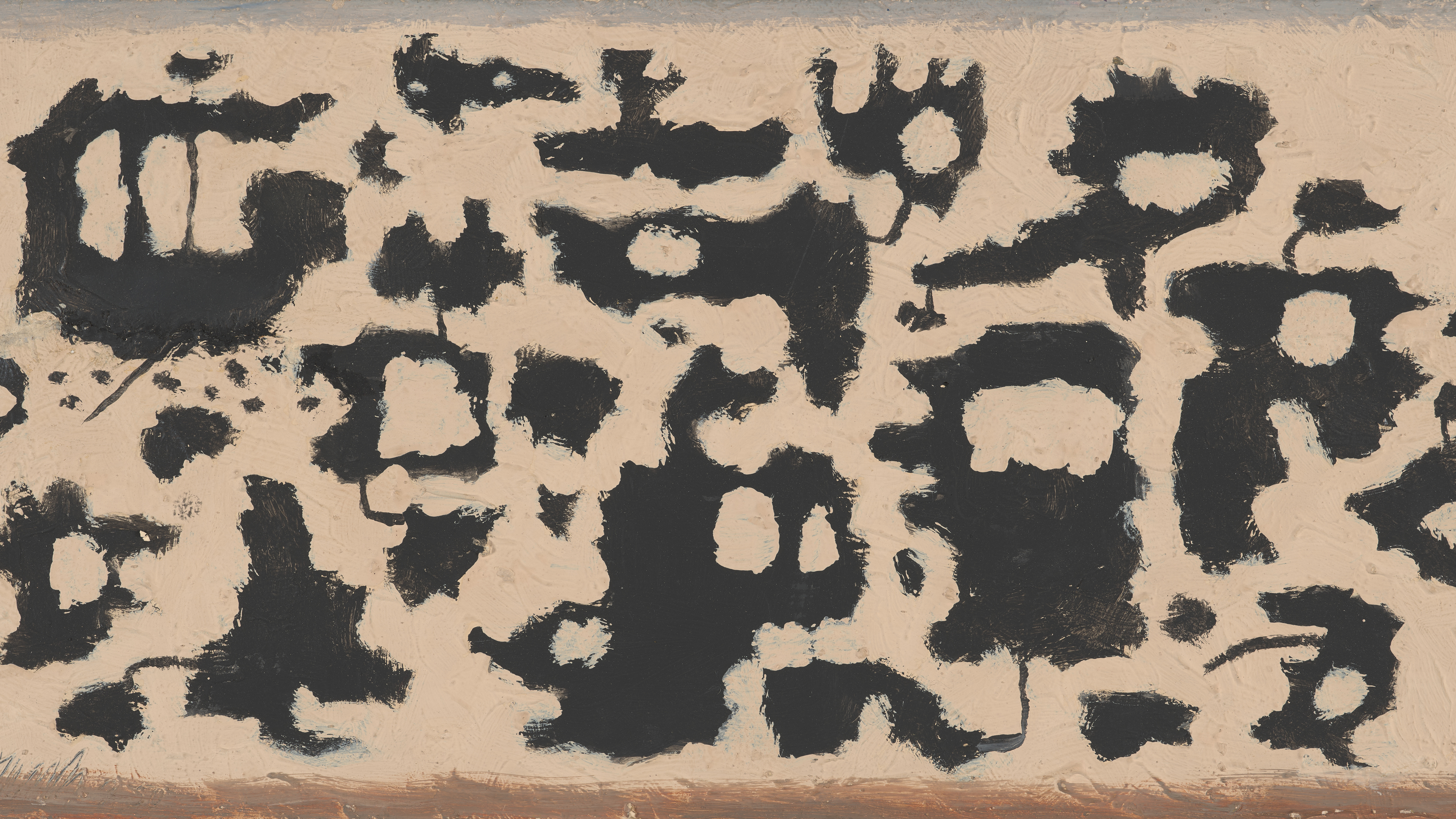
When setting up digital art, the native software often defaults to adding a digital mount or "mat" around the image. While this mimics the framing of a traditional print, it is often the single biggest factor that gives away the illusion of a digital screen.
The Problem with White Pixels
To create a stark white digital mount, the television's LEDs must emit a bright, uniform sheet of light. Instead of looking like textured mounting board, it looks like a glowing white monitor. In dimly lit rooms, this artificial border becomes glaringly obvious, completely shattering the gallery aesthetic and drawing attention to the screen itself.
The Full-Bleed Alternative
For the most authentic appearance, we recommend avoiding the built-in digital mounts entirely.
- Edge-to-Edge Display: Upload artwork that is perfectly scaled (16:9 ratio at 3840 x 2160 pixels) and set the display option to "No Mat" or "Full Screen".
- Rely on the Physical Bezel: Allow the physical wooden or metallic bezel of the television to act as the sole frame. You can browse premium snap-on bezels in our Hardware Studio.
When to Use a Digital Mount
The only exception to this rule is when displaying vintage sketches, line art, or images that cannot be cropped to widescreen without losing vital composition. If a mount is necessary, use the television's software to select a dark, colour-matched option (such as charcoal, deep navy, or forest green) rather than white. You can test how different mat colours look using our free Frame & Mat Studio before finalising your display.